
Should I buy a Kindle Colorsoft or a Paperwhite? Here's what you need to know to make your decision | Tech Radar
Overview
News, deals, reviews, guides and more on the newest computing gadgets
Start exploring exclusive deals, expert advice and more
Details
Unlock and manage exclusive Techradar member rewards.
Unlock instant access to exclusive member features.
Get full access to premium articles, exclusive features and a growing list of member rewards.
Should I buy a Kindle Colorsoft or a Paperwhite? Here's what you need to know to make your decision
When you purchase through links on our site, we may earn an affiliate commission. Here’s how it works.
There are two main Kindle ranges: Colorsoft and Paperwhite. If you're in the market for a new Amazon ereader but aren't sure which one to buy, this article is here to help. I've put together a cheatsheet of what you need to know to make your decision, starting with the key differences between the two lines, the current Paperwhite options and Colorsoft options, a specs comparison table, and a summary of which to buy. I've also included a section on your other options in the Kindle range.
Amazon Kindle Colorsoft vs Paperwhite: similarities & differences
In this section, I'll be discussing the standard Kindle Paperwhite and Colorsoft models, as well as the Signature editions, but not the Kindle Scribe Colorsoft.
Let's start with the similarities. Regardless of whether you buy a Colorsoft or Paperwhite, you'll be getting a seven-inch, glare-free screen, IPX8 waterproofing, and an option of either 16 or 32GB of storage. All offer 300ppi resolution when used in black and white.
The big difference to know is that the Paperwhite models only display in black-and-white, whereas the Colorsoft Kindles can also display in color (at 150ppi, which is standard for a color ereader). This has a knock-on effect on battery life: Amazon says the Colorsoft models will last eight weeks on a single charge, whereas the Paperwhite can go up to 12 weeks. That's based on half an hour of reading per day, on a brightness level of 13, which is just below halfway.
It also has an effect on price — regardless of if you opt for a Signature or standard model, at list price the Paperwhite Kindles are cheaper than the Colorsoft models.
There are two main Paperwhite models: the regular Paperwhite and the Paperwhite Signature. The only difference is that the Signature has double the storage (32GB compared to 16GB for the standard model).
There are three main Kindle Colorsoft options: the standard model, the Signature edition, and the Kindle Scribe Colorsoft. The first two are basically the same, except the Signature packs twice as much storage (16GB compared to 32GB). The Scribe Colorsoft offers writing capabilities alongside color reading, and it's different enough that I've relegated it to the 'Other options' section of this article.
Amazon Kindle Colorsoft vs Paperwhite: which should I buy?
The only real reason to choose a Colorsoft over a Paperwhite is for its color display potential. Aside from that, the specs are either the same or better on the Paperwhite, and Paperwhite models are cheaper, too.
So how good is the color? Our tester was extremely impressed. You can get the full low-down in the Display section of our Kindle Colorsoft review, but the short version is that panning and zooming is smooth and speedy, with no ghosts or artifacts popping up, and refresh is "nearly undetectable".
On the subject of picture quality, our tester had this to say: "The Kindle Colorsoft lights the color and black pixels evenly, and color pages look fantastic. They look like paper, as they should... Get an i Pad if you want bright and saturated." You can get a taster of what to expect in the carousel of images below.
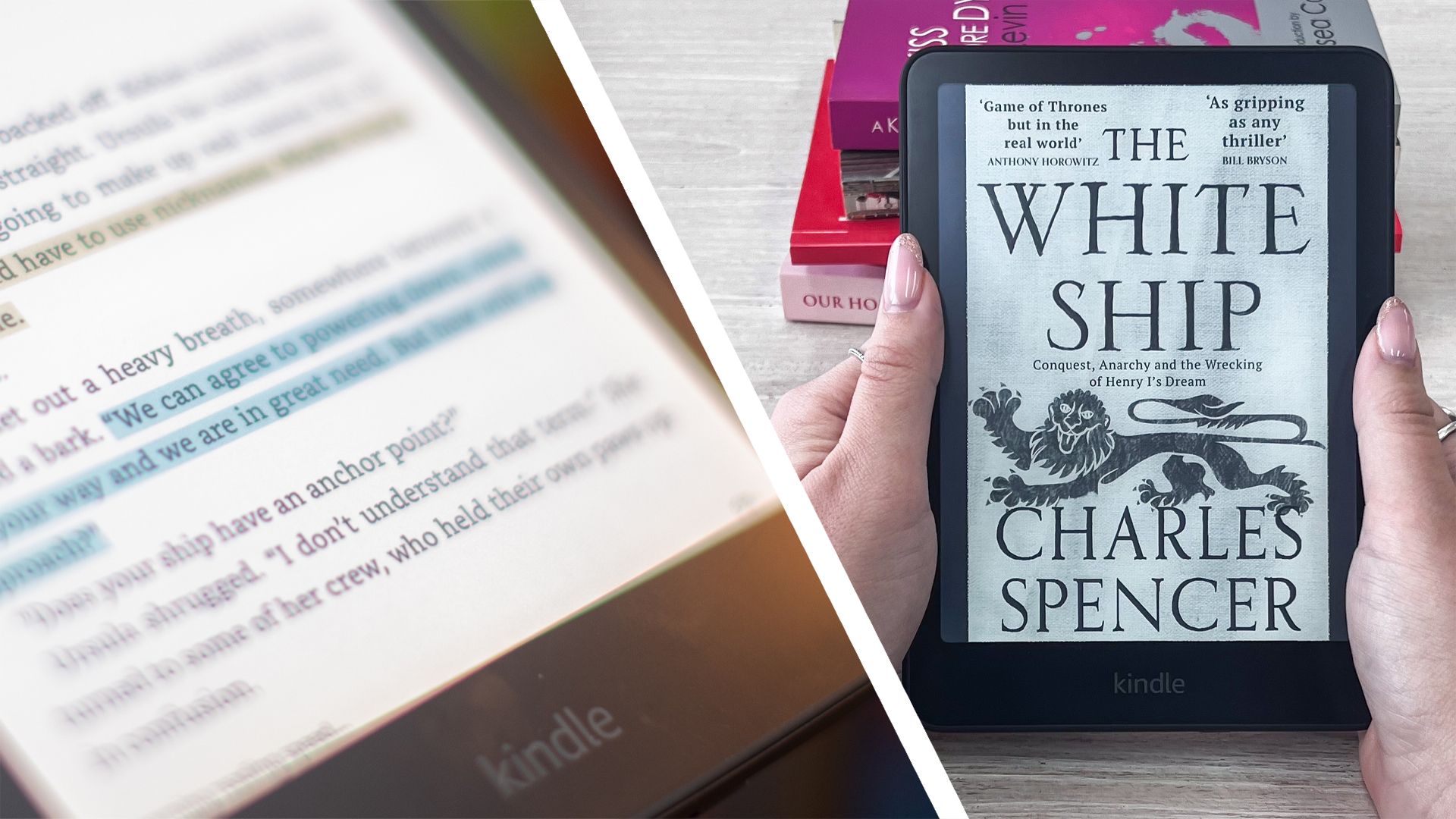
You can use color to highlight text in different hues, which could be useful to students, for example. However, the obvious market for a device like this is graphic novel fans. On this point, be aware that because the Kindle Colorsoft can't run third-party apps, you'll be limited to the titles available via Amazon's own Comi Xology platform. This offers a decent selection of comic books, but is more limited than the likes of Marvel Unlimited and DC Universe Infinite.
Note that you can read graphic novels on a Paperwhite, but they'll just be in black and white. Just like on the Colorsoft, there's a Panel view feature that expands each individual frame on the page — see it in action on a Paperwhite below.
If that has convinced you that color is something you'll want to make use of, buy a Colorsoft model. If not, pick up a Paperwhite and enjoy the cheaper cost and longer battery life.
If you're in the market for a black-and-white ereader, you also have the option of a standard Kindle, which has a smaller screen than the standard Paperwhite and Colorsoft ereaders, is cheaper and lighter in weight too. There are a few concessions you'll need to make, though: the battery life is on the shorter side, and it's not waterproof.
There's also the Kindle Scribe and Kindle Scribe Colorsoft, which you can use for writing as well as reading. Both have larger (11-inch) screens, and neither are waterproof. Note that if you go for a Scribe Colorsoft, you can't use the two parts in tandem — so you can't take notes on a color page — which weakens the proposition somewhat.
Follow Tech Radar on Google News and add us as a preferred source to get our expert news, reviews, and opinion in your feeds.
Ruth is Tech Radar's Collections Editor, responsible for masterminding Tech Radar's approach towards the new Collections format — a themed, curated selection of product recommendations designed to provide readers with an exciting new way to shop for the very best new gadgets and gizmos.
You must confirm your public display name before commenting
1 The Dyson Find+Follow 'blew us away' when we reviewed it last month — and this innovative purifying fan is already on sale
2 Quote of the day by former Google CEO Eric Schmidt: "A
3 Anonymous Wild Hornets spokesperson calls drone swarms 'a fun legend and a scam mechanism'
4 Samsung Messages replaced by Google Messages as default app
5 Open AI teams with Work Louder to launch Codex-native keyboard
Tech Radar is part of Future US Inc, an international media group and leading digital publisher. Visit our corporate site.
© Future US, Inc. Full 7th Floor, 130 West 42nd Street, New York, NY 10036.
Key Takeaways
- News, deals, reviews, guides and more on the newest computing gadgets
- Start exploring exclusive deals, expert advice and more
- Unlock and manage exclusive Techradar member rewards
- Unlock instant access to exclusive member features
- Get full access to premium articles, exclusive features and a growing list of member rewards


