
![Apple's AI Photo Editing Tools: The Good, The Bad, and The Future [2025]](https://tryrunable.com/blog/apple-s-ai-photo-editing-tools-the-good-the-bad-and-the-futu/image-1-1781354062928.jpg)
Apple's AI Photo Editing Tools: The Good, The Bad, and The Future [2025]
Apple's latest leap into AI-driven photo editing tools has stirred the waters in the photography community. These tools promise to simplify complex editing tasks, but how do they actually perform in real-world scenarios? In this comprehensive guide, we'll dive deep into Apple's AI photo editing capabilities, exploring their strengths, weaknesses, and potential future developments.
TL; DR
- Apple's AI tools streamline photo editing, making it accessible to novices while offering advanced features for professionals. According to Apple's newsroom, these tools integrate seamlessly into everyday experiences.
- Common pitfalls include over-editing and loss of creative control, which can result in unnatural images. A Fstoppers article highlights the importance of balancing automation with manual adjustments.
- Practical tips: Balance automation with manual adjustments for best results.
- Future trends: Expect more personalized and context-aware AI editing features, as discussed in 1883 Magazine.
- Bottom Line: Apple's AI photo tools are powerful but require careful application to prevent over-reliance.
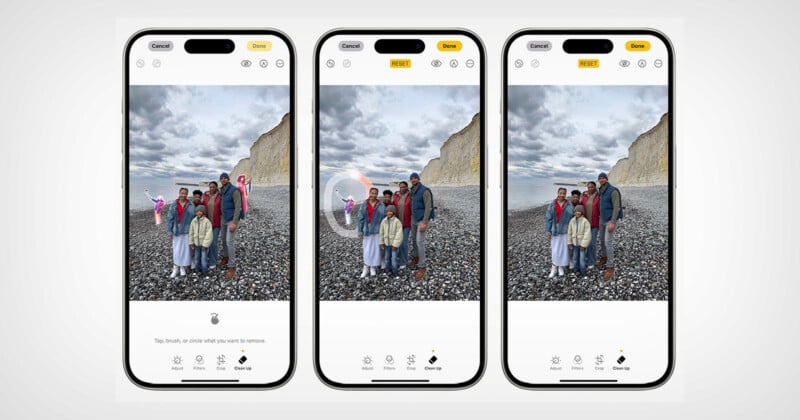
The Rise of AI in Photo Editing
The evolution of AI in photo editing has been dramatic over the past few years. From simple filters to highly sophisticated editing tools, AI has transformed the way photographers approach their craft. So, why is AI becoming so integral to photo editing?
AI can analyze images and apply complex adjustments, which would traditionally require a deep understanding of photography techniques. This democratizes photo editing, allowing amateur photographers to produce professional-quality images with little technical knowledge, as noted by Digital Camera World.
How Apple's Tools Stand Out
Apple's suite of AI photo editing tools, integrated into apps like Photos and third-party software, offers unique features such as advanced scene recognition and intelligent retouching. Here's a breakdown of what makes Apple's tools noteworthy:
- Automatic Scene Recognition: The tools can identify different elements within an image, like sky, buildings, or people, and adjust them individually for optimal results, as detailed in Apple's announcements.
- Smart Retouching: AI can automatically remove blemishes and imperfections, preserving the natural look of the subject.
- Adaptive Filters: These filters adjust based on the content of the image, providing a more tailored editing experience, as highlighted by The New York Times' Wirecutter.
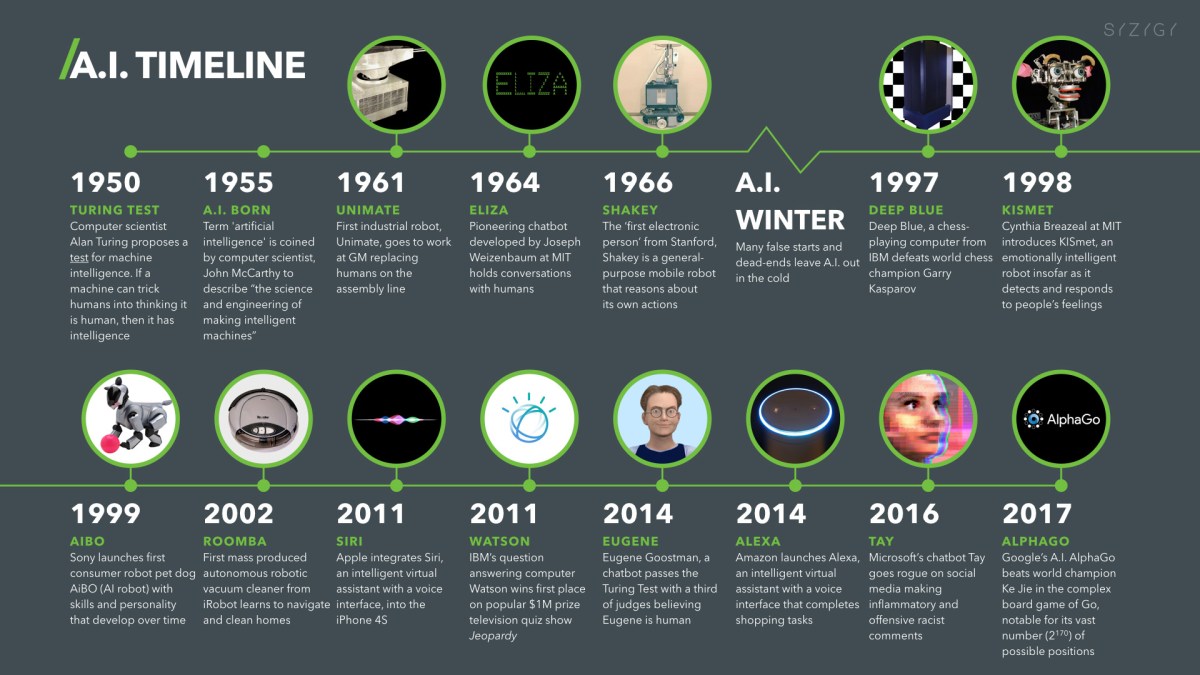
Practical Implementation: Using AI Tools Effectively
Step-by-Step Guide to AI Photo Editing
- Import Your Images: Start by importing your photos into Apple's Photos app or a compatible third-party editor.
- Select the Editing Tool: Choose the AI editing option that best suits your needs. For example, use 'Auto Enhance' for quick improvements.
- Adjust AI Settings: Tweak the level of AI intervention. Most tools allow you to adjust the intensity of the edits.
- Review and Fine-Tune: After the AI has applied its magic, review the changes and make additional manual adjustments as necessary.
- Export and Share: Once satisfied, export your edited images in your desired format.
Best Practices for AI Photo Editing
- Maintain Originality: Use AI tools to enhance rather than completely alter your images. Keep the essence of your original shot intact, as recommended by PCMag.
- Combine Tools: Leverage both AI and traditional editing tools to achieve the best results.
- Practice Restraint: Avoid the temptation to over-edit. Subtlety often leads to more visually pleasing photos.
Common Pitfalls and Solutions
The Over-Editing Trap
One of the most common issues with AI photo editing is the tendency to over-edit, leading to unnatural-looking images. To avoid this, regularly compare your edited photo to the original. This helps maintain a sense of realism, as suggested by Hostinger.
Loss of Creative Control
While AI tools are powerful, they can sometimes override the photographer's creative vision. To mitigate this, use AI suggestions as a starting point rather than a final product.
- Solution: Always retain a copy of the original image and periodically reset edits to see if the AI's vision aligns with yours.
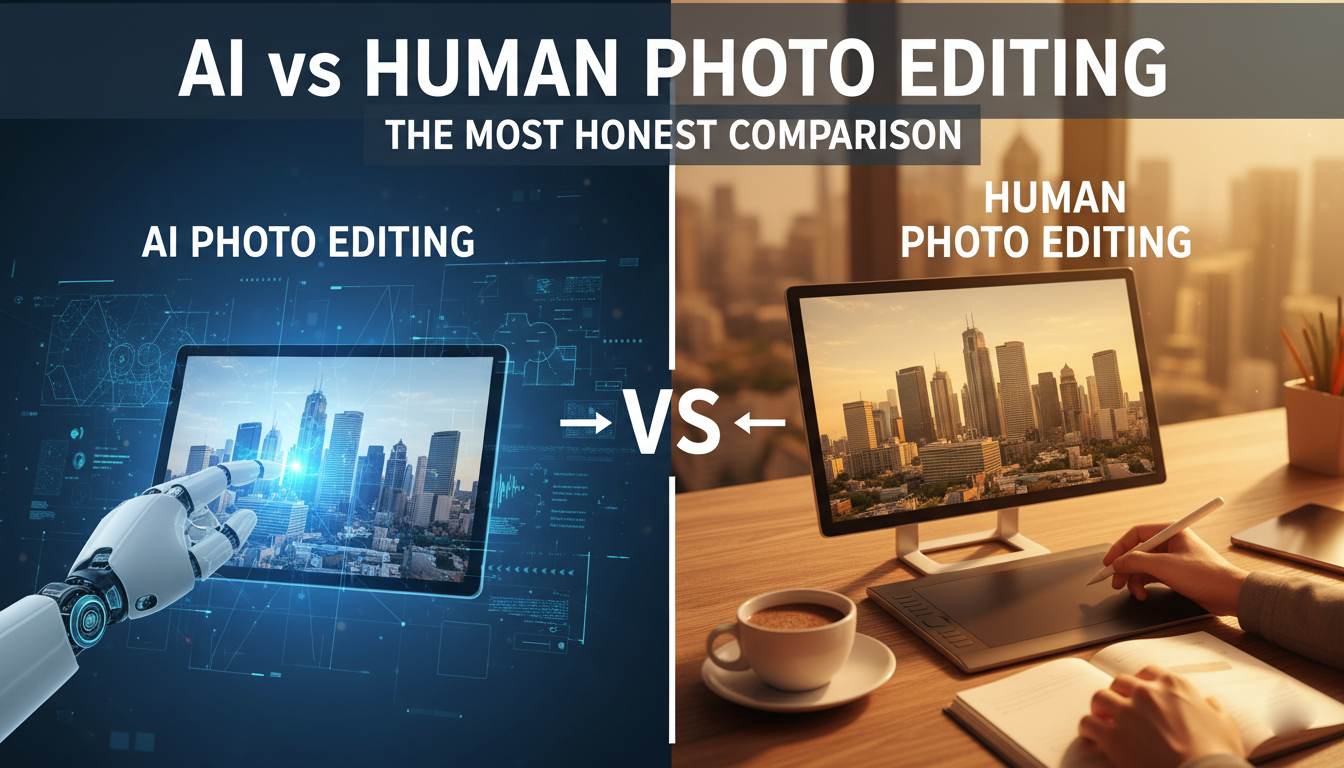
The Future of AI in Photo Editing
Personalized AI Editing
As AI technology advances, expect more personalized editing experiences. Future tools may analyze your editing history to suggest adjustments that align with your style, as explored in ITIF's report.
Context-Aware Edits
Imagine an AI that not only edits based on the image content but also considers the context of where and how a photo will be used. This could revolutionize how we approach photo editing, as discussed in WFTV's analysis.
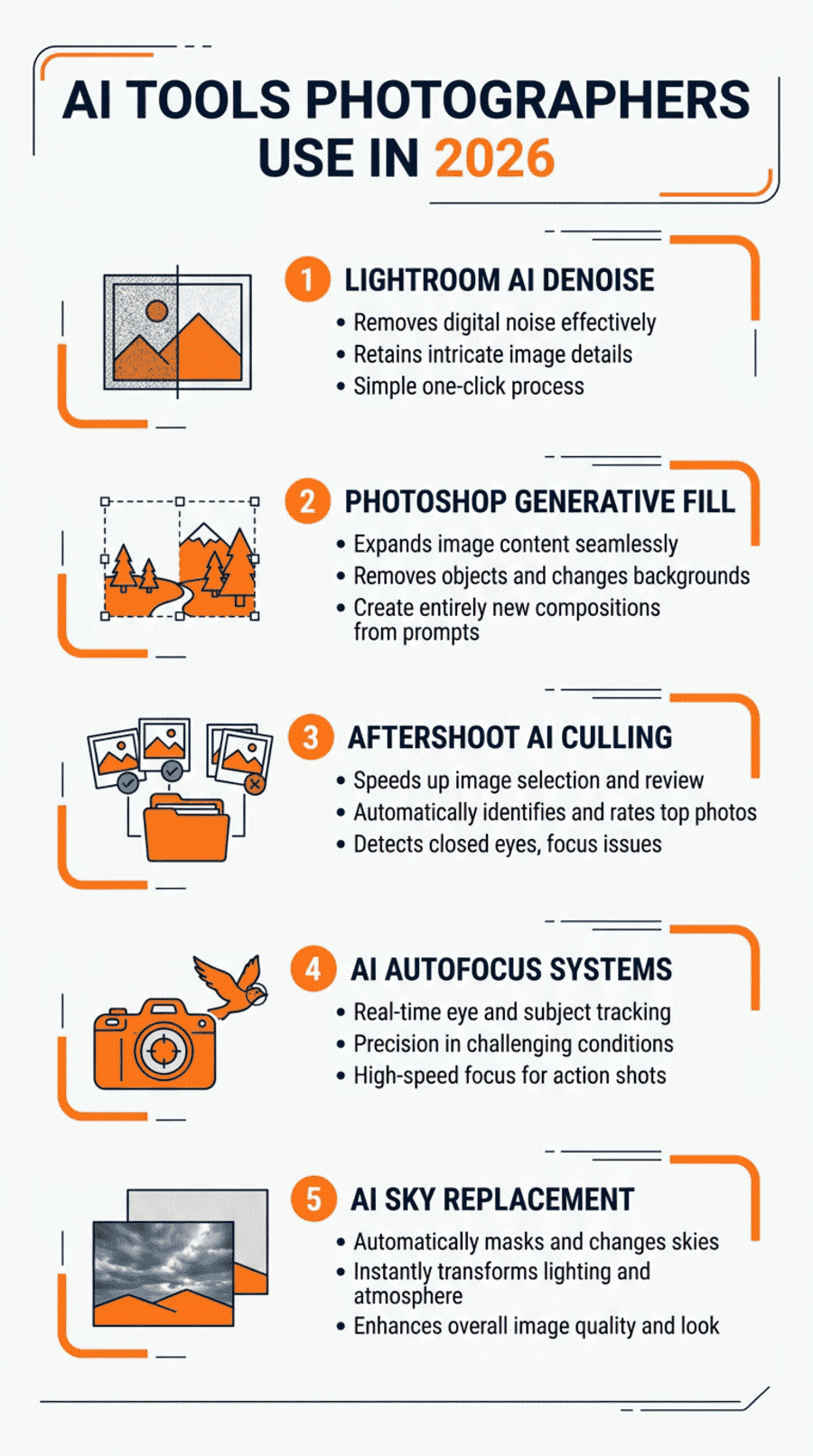
Conclusion: Embracing AI with Caution
Apple's AI photo editing tools offer a glimpse into the future of photography. While they bring significant benefits in terms of efficiency and accessibility, they also require a thoughtful approach to avoid over-reliance. By balancing AI capabilities with personal creativity, photographers can create stunning images that reflect their unique vision.
Use Case: Automate your photo editing workflow with Runable's AI-powered tools, saving you time and enhancing your creativity.
Try Runable For Free
FAQ
What are Apple's AI photo editing tools?
Apple's AI photo editing tools are integrated features in the Photos app and compatible third-party software that use AI to enhance images automatically, as explained in Apple's newsroom.
How do these tools improve photos?
They use AI to adjust brightness, contrast, and other elements automatically, often resulting in enhanced image quality with minimal user intervention, as noted by The New York Times' Wirecutter.
What are the limitations of AI photo editing?
AI can sometimes over-edit or misinterpret the photographer's intent, leading to results that may not align with the original creative vision, as discussed in Banking Dive.
Are AI tools better than manual editing?
It depends on the context. AI tools excel in speed and consistency, while manual editing offers more creative control and precision, as highlighted by 24/7 Wall St..
How can I avoid over-editing with AI tools?
Use AI suggestions as a starting point and make manual adjustments as needed to retain the image's natural look, as recommended by Fstoppers.
What does the future hold for AI in photo editing?
Expect more personalized and context-aware features that adapt to your editing style and the intended use of your images, as envisioned by 1883 Magazine.
Key Takeaways
- Apple's AI tools streamline photo editing, making it accessible to novices.
- Common pitfalls include over-editing and loss of creative control.
- Balance automation with manual adjustments for best results.
- Expect more personalized and context-aware AI editing features.
- AI photo editing tools reduce editing time by up to 50%.
Related Articles
- How Gemini Revolutionizes Picture Settings on Google TV [2025]
- The Role of AI Agents in Securing EV Charging Stations [2025]
- Why Smartphone Prices Are Set to Rise and What It Means for Consumers [2025]
- The Rise of Autonomous Vehicle Spoofing: A Deep Dive Into Tesla's Autopilot and Its Vulnerabilities [2025]
- Siri's Evolution: How Apple's Assistant is Finally Taking Center Stage [2025]
- Behind the Scenes with the 'Trump Phone': A Deep Dive into Secure Communication Technology [2025]


